Zeniva Picks · Smart home

Wipro 16A Wi-Fi Smart Plug with Energy Monitoring (DSP1160)

Switch your geyser or AC on from anywhere.

  • Have hot water ready by switching the geyser on before you get up.
  • See how much power an appliance uses and cut waste.
  • Schedules switch things off automatically, even if you forget.
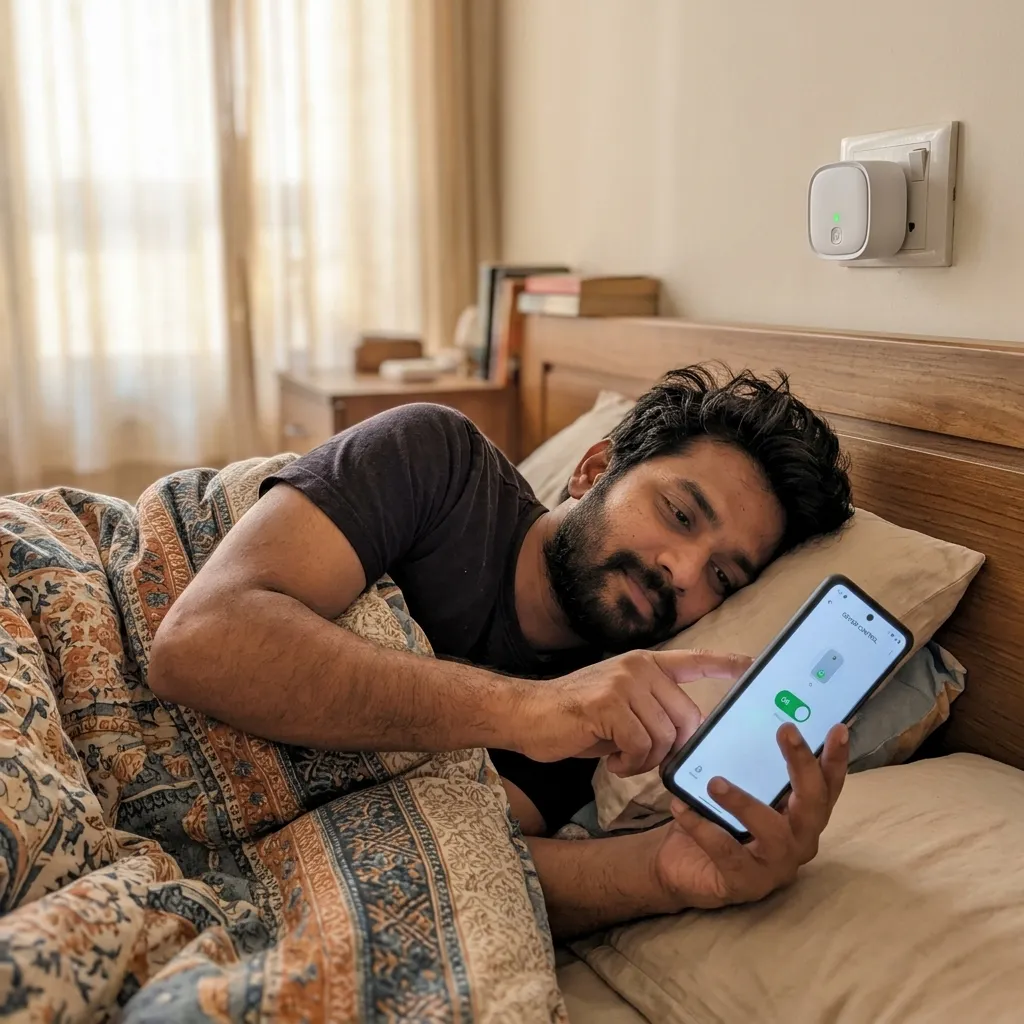
A man switching on his geyser from a phone app while lying in bed

The details

Everything at a glance.

The Wipro 16A Wi-Fi Smart Plug (DSP1160) lets you switch heavy appliances like geysers, ACs and microwaves on or off from your phone or by voice with Alexa and Google Assistant, and tracks how much energy they use.

Wipro 16A Wi-Fi Smart Plug with Energy Monitoring (DSP1160) specifications
Rating16 A, for heavy appliances
ControlWipro app, Alexa and Google Assistant
FeaturesEnergy monitoring, schedules and timers
Network2.4 GHz Wi-Fi, no hub needed
Warranty1 year

A closer look

Made for every day.

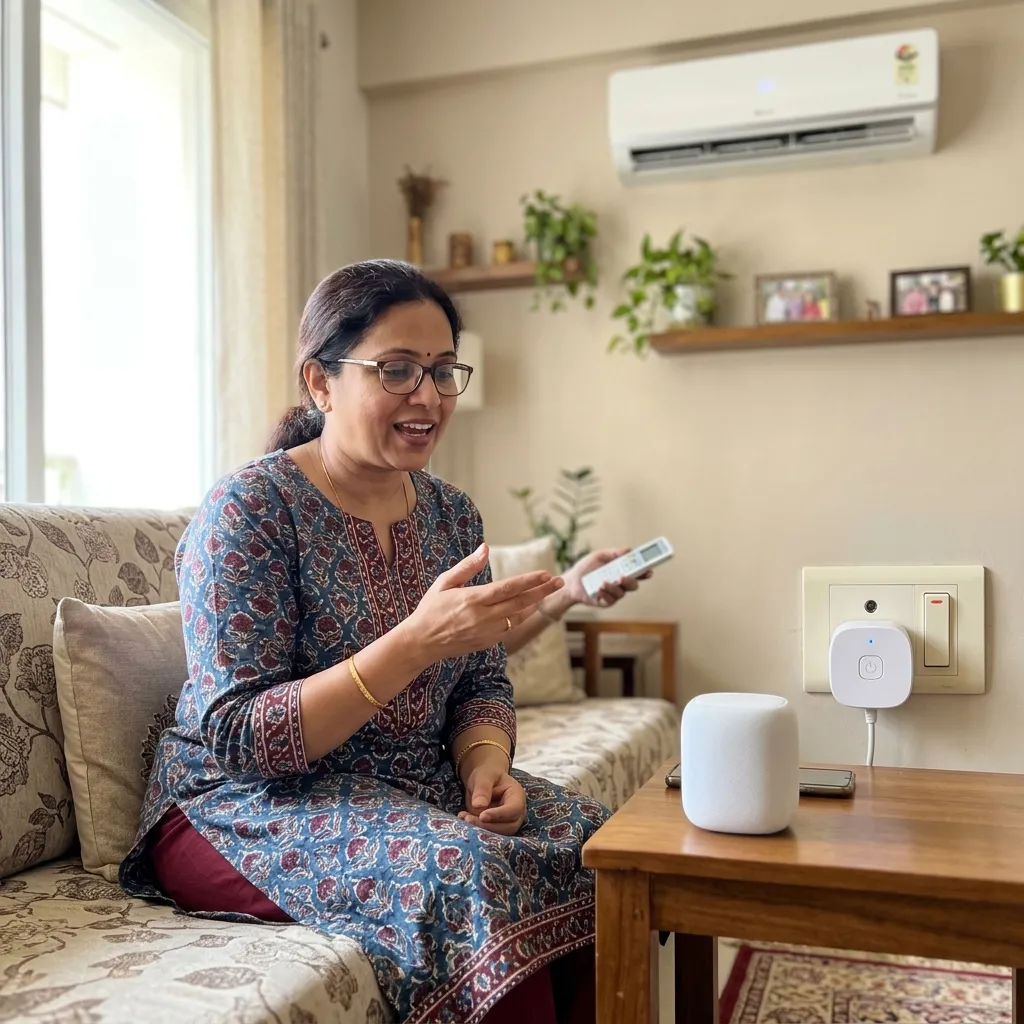
A woman asking a smart speaker to turn off the AC in her living room
A worried woman at her office desk wondering if she left the geyser on
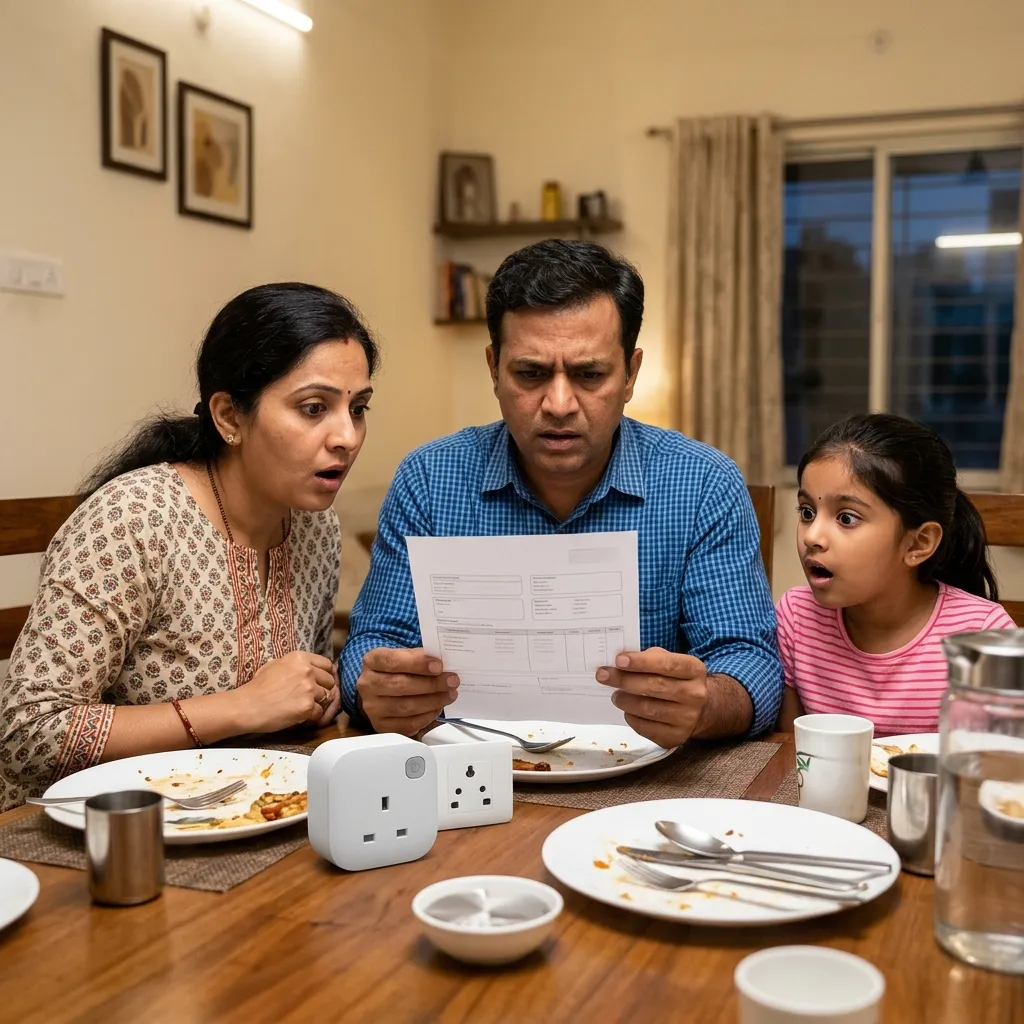
A family looking shocked at a high electricity bill at the dining table

Buying guide

Before you buy.

What is a smart plug and how does it work?

A smart plug is an adapter which sits between a wall socket and an appliance and switches power on or off over Wi-Fi. The Wipro 16A Wi-Fi Smart Plug (DSP1160) is rated at 16 A, so heavy appliances such as geysers, ACs and microwaves are supported. Control comes from the Wipro app or by voice with Alexa and Google Assistant, and no hub is needed. Schedules and timers switch appliances off automatically, even when someone forgets.

Energy monitoring in the Wipro app shows how much power an appliance uses, which helps cut waste. For example, the app history can show whether an old AC uses more power than expected over a summer month. The DSP1160 needs a 2.4 GHz Wi-Fi network, and most home routers offer both bands, so connect the phone to the 2.4 GHz band during setup. Additionally, Wipro covers the plug with a 1-year warranty.

Is the Wipro 16A Wi-Fi Smart Plug with Energy Monitoring (DSP1160) right for you?

The Wipro DSP1160 is a good fit for households who want hot water ready on waking, a cool room on arrival, or a clear view of how much energy a heavy appliance uses. First, check the appliance power rating is within the 16 A limit. Second, plug the Wipro plug straight into a wall socket, never into an extension board for heavy loads. Finally, keep the plug away from water splashes in bathrooms and kitchens. Additionally, check the space around the socket, since a smart plug sits out from the wall and can block a neighbouring switch.

For example, a working couple in Bengaluru can schedule the geyser to switch on shortly before the morning alarm during the winter months. Before buying on Amazon.in, confirm a 16 A socket, a 2.4 GHz Wi-Fi signal near the appliance, and a working thermostat and safety cut-off on the geyser itself.

Who should skip it?

Skip the Wipro DSP1160 if your home Wi-Fi runs only on 5 GHz, if the appliance draws more than 16 A, or if you only need to switch a lamp or small gadget, where a lower-rated plug may suit better.
Good to know

Simple answers.

Which appliances can I use with the Wipro 16A smart plug?

The Wipro 16A smart plug (DSP1160) is made for 16 A sockets and suits geysers, ACs, microwaves and other heavy appliances. Always check that the appliance's power rating is within the plug's 16 A limit before connecting. Once set up, the Wipro app tracks energy use and runs schedules, with voice control through Alexa and Google Assistant.

Does the Wipro smart plug work with 5 GHz Wi-Fi?

No, the Wipro 16A smart plug needs a 2.4 GHz Wi-Fi network and does not work on 5 GHz. Most home routers offer both bands, so connect your phone to the 2.4 GHz band during setup in the Wipro app. No hub is needed, because the smart plug connects directly to the home Wi-Fi.

Is it safe to run a geyser on a smart plug schedule?

Yes, running a geyser on a Wipro 16A smart plug schedule is safe as long as the geyser's own thermostat and safety cut-off are working. Keep the smart plug away from water splashes in the bathroom. Never use an extension board for heavy loads like a geyser; plug the smart plug directly into a proper wall socket.

Wipro

Switch your geyser or AC on from anywhere.

As an Amazon Associate, Zeniva earns from qualifying purchases. Updated 21 November 2026. We compared the specifications each brand lists on Amazon.in, the warranty terms, and how widely each listing has been bought and rated. We have not lab-tested these products, and prices change, so always check the live listing.